
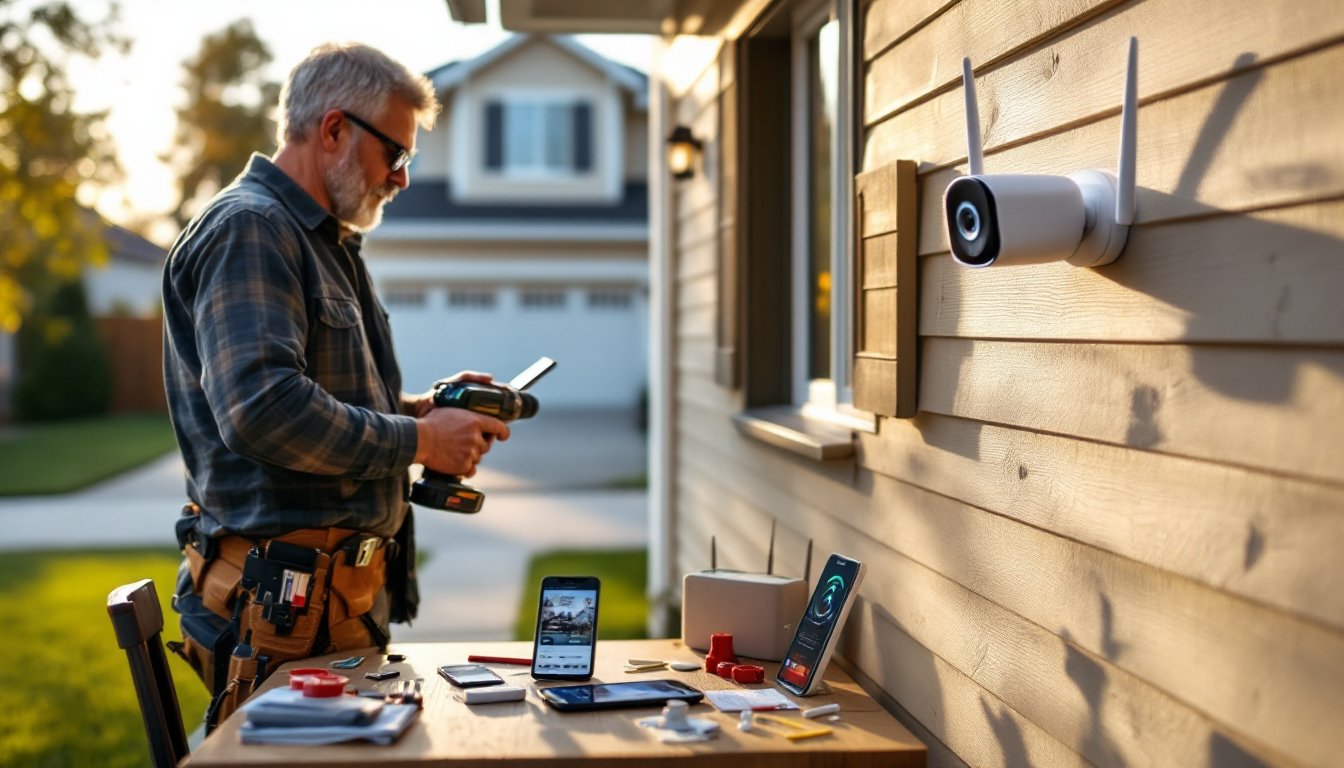
Setting up a home security system doesn’t require hiring an electrician or signing a multi-year contract with a monitoring company. DIY home security camera systems have become practical, affordable options for homeowners who want real-time monitoring and peace of mind without the professional installation costs. Whether you’re protecting a single entry point or monitoring your entire property, the right DIY system, installed correctly, gives you control over your setup and data. This guide walks through what matters most when choosing a system, the trade-offs between wireless and wired options, and how to get cameras up and running without running into common pitfalls.
Table of Contents
ToggleKey Takeaways
- A best DIY home security camera system saves money on professional installation by letting homeowners choose wireless or wired setups based on their property layout and Wi-Fi reliability.
- Wireless cameras are faster to install and more flexible, while wired systems offer better stability and 24/7 reliability without Wi-Fi dependency, so choose based on your network strength and power availability.
- Prioritize 1080p minimum resolution with smart person or vehicle detection alerts over higher resolutions that consume excessive bandwidth and storage.
- Proper camera placement at a 45° downward angle, combined with signal testing using a Wi-Fi analyzer app, prevents common connectivity issues and ensures face identification coverage.
- Local storage on SD cards or home hubs gives you full data control with one-time costs, while cloud recording requires ongoing subscriptions but offers convenience when internet is available.
- Test your app and account setup before installation, use weatherproof connectors for outdoor wiring, and invest in correct anchors for your surface to avoid failed mounts and rework frustration.
What to Look for in a DIY Security Camera System
Before comparing specific models, nail down what your setup actually needs. Start by sketching your property, entrances, driveways, blind spots, and high-value areas you want to watch. This takes 10 minutes and shapes everything that follows.
Decide how many cameras you need. One at the front door and back entrance works for a modest home: larger properties or detached garages might need four to six. Count the distance from your router to each camera location, wireless range matters. Wi-Fi cameras need a strong signal, or you’ll deal with lag and dropouts.
Think about power. Can you run low-voltage wiring through walls to each camera, or do you need battery-powered units? Wired systems are more reliable but require running cable (either in conduit or through walls). Batteries mean fewer installation headaches but regular charging or replacement.
Consider storage. Cloud recording costs a subscription: local storage (SD cards or a home hub) is a one-time expense. Cloud is convenient but not ideal if your internet goes down. Local storage requires a physical device and setup but keeps footage under your roof.
Wireless vs. Wired Systems: Which Is Right for Your Home
Wireless systems (battery or plug-in) are faster to install and move easily. There’s no wall fishing, no conduit, no drilling through studs. Plug-in wireless cameras sit on shelves or mount to fascia with basic anchors, doable in an afternoon. Battery-operated units offer the most flexibility but demand regular charging, typically every two to four months depending on activity and temperature.
The trade-off: wireless systems depend entirely on your Wi-Fi network. Interference from microwaves, cordless phones, or neighboring networks can degrade video or cause disconnections. If your router is far from camera locations, you’ll need Wi-Fi extenders or a mesh network.
Wired systems run low-voltage cable (typically 18 or 22 AWG) from a central hub to each camera, either in visible conduit or inside walls (though the latter requires permits in many jurisdictions and may mean drywall repair). Wired cameras draw power continuously through the cable, so no batteries. Video is delivered through the same cable, meaning better stability and no Wi-Fi dependency. Installation takes longer, cutting drywall, running cable, patching, but once done, reliability is higher.
For most homeowners, wireless is the practical DIY choice. If your home already has coax cable in walls (from old TV installations) or you’re willing to run conduit, wired makes sense for 24/7 systems that can’t tolerate network hiccups.
Top Features That Matter for Home Protection
Resolution and Video Quality
Don’t cheap out on video quality, you need footage that actually identifies someone’s face or license plate. Minimum standard is 1080p (2MP): it captures sufficient detail for most situations. 2K (2560 × 1440) or 4K (3840 × 2160) is better, especially for cameras covering long driveways or yards where distant subjects matter.
But, higher resolution eats bandwidth and storage. A single 4K camera can use 5-10 Mbps on Wi-Fi: a 1080p camera uses 1-2 Mbps. If your internet is under 25 Mbps upload or your storage is limited, 1080p to 2K is practical. Field of view also matters, a 110° lens captures more area than a 75° lens, but zooming in on distant objects is harder. Panoramic or multi-sensor cameras offer wider coverage but cost more.
Look for adjustable frame rates. Higher frame rates (30 fps vs. 15 fps) reduce motion blur but increase file size. For entry monitoring, 15 fps is adequate: for vehicle identification, 30 fps helps.
Night Vision and Smart Alerts
Infrared night vision is standard now. Most DIY systems include IR LEDs that illuminate a 20-30 foot range in complete darkness, rendering the scene in grayscale. Color night vision (available on pricier models) uses a low-light sensor to capture color footage, which can be useful for identifying clothing or vehicle color, though it requires some ambient light.
Smart alerts are what turn footage into actionable data. Basic motion detection triggers notifications every time a leaf blows across the lens, useless. Better systems filter alerts using person detection or vehicle detection, only notifying you when someone walks into frame or a car enters your driveway. This cuts false alarms dramatically.
Two-way audio lets you speak to visitors or delivery people through the camera without opening your door, valuable for verifying who’s outside. Look for systems with noise cancellation so your speaker isn’t drowned out by wind or traffic. Many systems allow audio recording: check local laws in your area, as recording audio without consent is illegal in some states.
Installation Tips for First-Time DIYers
Start with the app and account setup before touching hardware. Download the manufacturer’s app, create your account, and walk through the pairing process, this catches issues early. Firmware updates often roll out during initial setup, so allow time for them.
For wireless cameras, choose mount locations with 2-3 bars of Wi-Fi signal minimum. Test signal strength using a Wi-Fi analyzer app on your phone. If one location drops below -70 dBm, add a Wi-Fi extender or reposition your router. Mount cameras at a 45° downward angle to avoid capturing sky and glare: this also covers faces better than a straight-ahead angle.
Use the right anchors for your surface. Drywall anchors (toggle bolts or molly anchors) hold 15-20 pounds: fine for small cameras. Brick or stucco requires masonry anchors or epoxy: wood needs stainless steel screws. Check your camera’s weight, most are 2-4 pounds, but turret or dome cameras can be heavier. Don’t assume the included hardware works for your surface.
For wired systems, run cable in conduit (metal or PVC tubing) if it’s exposed outdoors. Conduit protects cable from UV, animals, and abrasion. If routing cable inside walls, verify you’re not cutting through electrical wiring, plumbing, or studs. A stud finder and a drywall saw are essentials. After running cable, test connectivity before patching drywall, rework is frustrating.
Use outdoor-rated cable and connectors. Regular ethernet cable degrades quickly outside. Cat 6 or coax in conduit lasts. Seal all outdoor connections with weatherproof boots or caulk to prevent moisture ingress.
Wear safety gear: goggles when drilling, a dust mask when cutting drywall, and gloves when handling wire. Use a power drill with a clutch to avoid over-torquing screws and stripping anchors. Recent studies on home automation integration show that proper installation prevents most connectivity issues, so take time with cable runs and positioning.
Conclusion
A DIY home security camera system is achievable for homeowners willing to invest a weekend in planning and installation. Wireless systems are faster and more forgiving: wired systems are more stable. Focus on resolution, smart filtering, and proper placement over gimmicky features. Honest assessment of your network, power, and storage needs prevents buyer’s remorse and failed installs. With the right setup, you’ll monitor what matters without ongoing service bills or contractor schedules.


