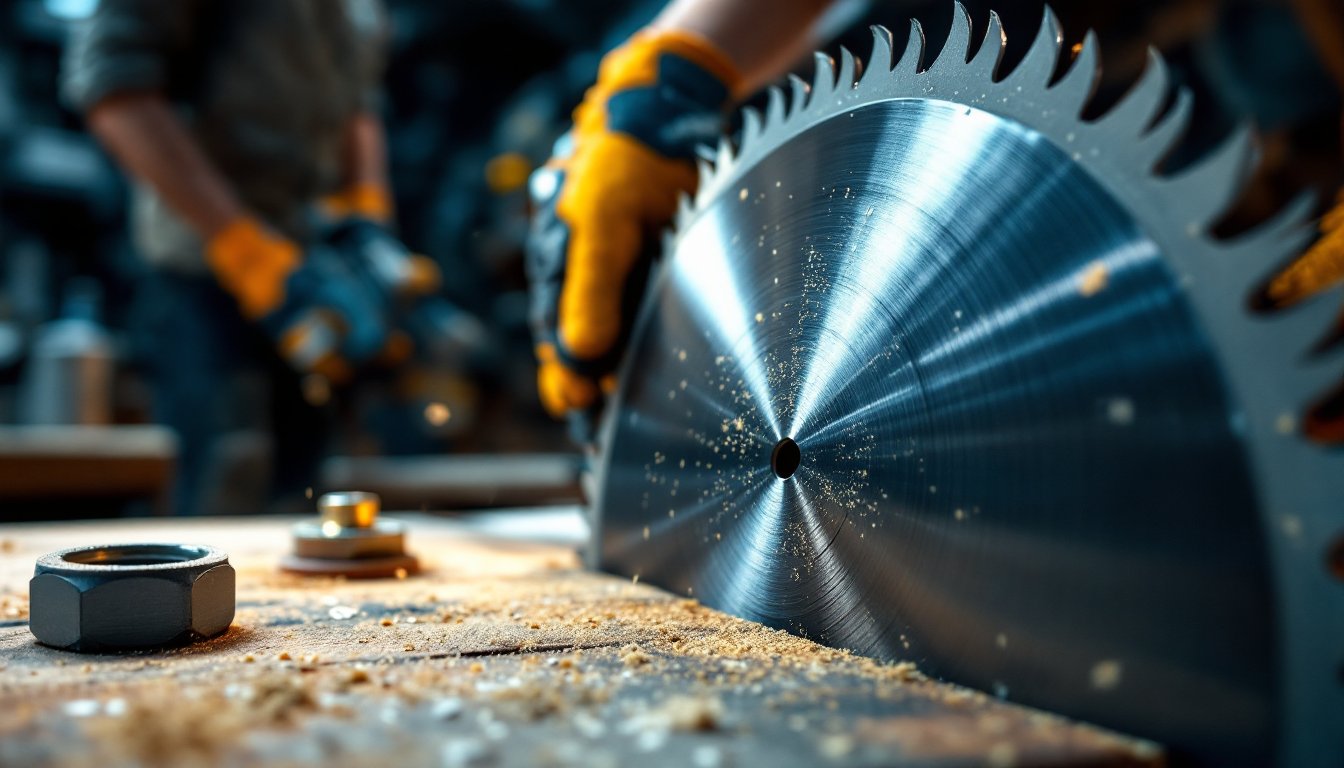
Picking the wrong miter saw blade turns a clean crosscut into splintered frustration. Whether you’re framing walls, building cabinets, or trimming finish work, the blade matters as much as the saw itself. Miter saw blades come in different sizes, tooth counts, and materials, each designed for specific tasks. Understanding these differences saves time, reduces waste, and keeps your cuts crisp. This guide walks you through blade basics, materials, features, and maintenance so you can confidently select and use the right blade for every project.
Table of Contents
ToggleKey Takeaways
- Selecting the right miter saw blade based on size, tooth count, and material prevents poor cuts and ensures safety—10-inch blades suit most homeowners while 12-inch blades handle wider material.
- Blade tooth count determines finish quality: use 40-tooth blades for speed in rough framing, 60-tooth blades for clean crosscuts on hardwood and trim, and 80+ teeth for aluminum and composites.
- Carbide-tipped miter saw blades cost more upfront but stay sharp through hundreds of cuts and deliver superior quality compared to budget options, making them worth the investment for regular use.
- Always match the blade’s arbor size (typically 5/8-inch) to your saw’s specifications, hand-tighten the arbor nut firmly with the blade lock pin engaged, and verify the blade runs true before cutting.
- Replace dull blades after 10–20 hours of cutting when you notice splintered edges or reduced speed, and store blades in dry conditions to prevent rust and maintain performance.
Understanding Miter Saw Blade Basics
A miter saw blade is a rotating disk with teeth that cuts wood, metal, or plastic by moving through the material in one smooth motion. Unlike a table saw blade that stays stationary while material feeds into it, a miter blade drops down and pulls away, making it ideal for crosscutting long boards and trim. The blade’s size, arbor (the center hole and shaft), tooth count, and tooth angle all influence how it performs.
Blade Size and Arbor Specifications
Miter saw blades come in standard sizes: 10-inch and 12-inch diameters are most common for homeowners. A 10-inch blade fits most compact and mid-range saws and crosscuts boards up to roughly 6 inches wide. A 12-inch blade handles wider material, typically up to 8-10 inches, and is standard on most contractor-grade and larger workshop saws. Always check your saw’s manual to confirm the correct blade diameter: using the wrong size voids the warranty and creates safety hazards.
The arbor is the shaft and center hole that mounts the blade onto the saw. Most miter saws use a 5/8-inch arbor, though some older or specialty models may differ. The blade’s center hole must match your saw’s arbor, and you’ll use a washer and arbor nut to secure it. A loose blade is dangerous, it can wobble during cuts, producing rough edges and increasing kickback risk. When installing a blade, always unplug the saw and hand-tighten the arbor nut firmly: if your saw includes a blade lock pin, use it to keep the blade stationary while tightening.
Types of Miter Saw Blades for Different Materials
Choosing the right blade for your material is non-negotiable. A plywood blade won’t cut aluminum smoothly, and a metal blade dulls instantly on hardwood. Blade materials, tooth design, and tooth count vary by application.
Wood Cutting and Crosscutting Blades
General-purpose wood-cutting blades usually have 40 to 80 teeth and are the default blade for most miter saws. The 40-tooth blade is versatile and cuts softwoods, hardwoods, and plywood acceptably, though it prioritizes speed over finish quality. A 60-tooth blade produces a cleaner crosscut on hardwood and plywood, ideal for finish work where visibility matters, trim, crown molding, or furniture pieces. The tradeoff is slower cutting speed and more heat generation, which means you need good dust collection.
For rough framing work where speed wins over finish, a 24-tooth blade tears through pine and dimensional lumber fast. Tooth angle also matters: blades with a positive rake angle (teeth lean forward) cut aggressively and work well for crosscutting: negative rake (teeth lean back) cuts more slowly but produces cleaner edges, favored for finish trim. Many specialty blades add anti-vibration slots or expansion slots near the teeth to dampen noise and reduce binding, helpful features if you’re cutting long shifts or working in a shared space.
Metal, Plastic, and Specialty Blades
Cutting aluminum, steel, or copper requires a non-ferrous metal blade with carbide teeth and a lower blade speed than wood blades. These blades typically have 80 to 100 fine teeth and a gullet (the space between teeth) designed to clear aluminum chips. Never use a wood blade on metal, the teeth will dull instantly and the friction can cause the blade to bind. If you’re cutting ferrous metals (steel), a ferrous metal blade handles the job, though many DIYers find a bandsaw or angle grinder more practical for steel.
Plastic and vinyl blades have specially shaped teeth to prevent melting and chipping. For composite decking, PVC trim, or vinyl siding, a composite/plastic blade with 80+ teeth and a slow cutting speed produces clean edges without melting the material. If you’re doing one-off cuts on various materials, a premium carbide-tipped general-purpose blade with 60-80 teeth gives acceptable results across wood, aluminum, and some plastics, it’s a compromise but works for variety homeowners who rarely dedicate a blade to a single task. You’ll find reference guides and project-specific recommendations across woodworking plan collections that suggest the right blade for each build.
Key Blade Features That Impact Performance
Beyond size and tooth count, several design features affect blade performance and longevity. Carbide tips on the cutting edges last far longer than high-speed steel and stay sharp through hundreds of cuts. A quality carbide blade costs more upfront but quickly pays for itself if you’re cutting regularly. Blades labeled ATB (Alternate Top Bevel) have teeth angled alternately left and right, producing smooth crosscuts and working well for general woodworking.
Expansion slots (also called stress-relief slots) are laser-cut lines that radiate from the center hub toward the outer edge. They reduce vibration, minimize binding, and allow the blade to expand slightly when heat builds up during extended cuts. Look for these if you’re making lots of cuts in a single session. Anti-vibration coating (often a resin layer on the blade body) further dampens noise and improves cut quality, though it adds cost. For a homeowner making occasional cuts, these are nice-to-haves: for weekend builders, they’re worth the investment.
Blade thickness varies too. A thin-kerf blade (0.059 inches) uses less material and generates less heat, making it good for underpowered saws and reducing waste on expensive wood. A standard kerf (0.062–0.063 inches) is typical and balanced for most saws. A thick-kerf blade (0.073 inches) is heavier and more durable, preferred for frequent use and production cutting. Check your saw’s manual to confirm it can handle your blade’s thickness and weight: underpowered saws may bog down with a heavy blade.
Blade quality affects price significantly. Premium blades from established tool brands run $40–$80, mid-range options cost $20–$40, and budget blades may be $10–$15. A quality blade produces cleaner cuts, generates less heat, and lasts longer, reducing your cost-per-cut over time. Budget blades suit one-time projects or rough framing: invest in quality for finish work or if you’re cutting regularly.
How to Install and Maintain Your Miter Saw Blade
Proper installation and maintenance keep your blade sharp and your cuts safe. Always unplug the saw before touching the blade, a spinning blade is deadly. Wear cut-resistant gloves and safety glasses while handling the blade: carbide tips are sharp and can slice skin easily.
Installation steps:
- Unplug the saw and verify the power switch is off.
- Locate the arbor lock pin (usually on the side of the blade housing) and engage it to lock the blade stationary.
- Use the correct wrench (typically included with the saw) to loosen the arbor nut counterclockwise.
- Remove the washer and old blade, noting which side faces outward (the tooth direction matters).
- Place the new blade onto the arbor with teeth facing forward (toward the front of the saw): check the blade label if unsure.
- Reinstall the washer and arbor nut, then hand-tighten firmly while holding the blade lock pin engaged.
- Plug in the saw and let the blade spin freely for 10 seconds to confirm it runs true (no wobbling).
Stop immediately if the blade vibrates or sounds off. A wobbling blade usually means the arbor nut is loose or the blade isn’t seated properly: recheck installation before using the saw.
Maintenance:
Dull blades produce rough cuts and slow you down. A blade stays reasonably sharp for 10–20 hours of cutting depending on material and technique. If your saw produces splintered edges, slows down noticeably, or requires more feed pressure, it’s time to change the blade. Some woodworkers send expensive blades to a sharpening service, but for most DIYers, replacement is simpler and cheaper. Keep blades clean by brushing off sawdust after use and storing them in a dry place. Never leave a blade on a saw in a damp garage, rust develops on the body and teeth quickly. You’ll find workshop setup ideas and tool care practices across home improvement and DIY resources that emphasize the importance of blade maintenance for safety and quality.